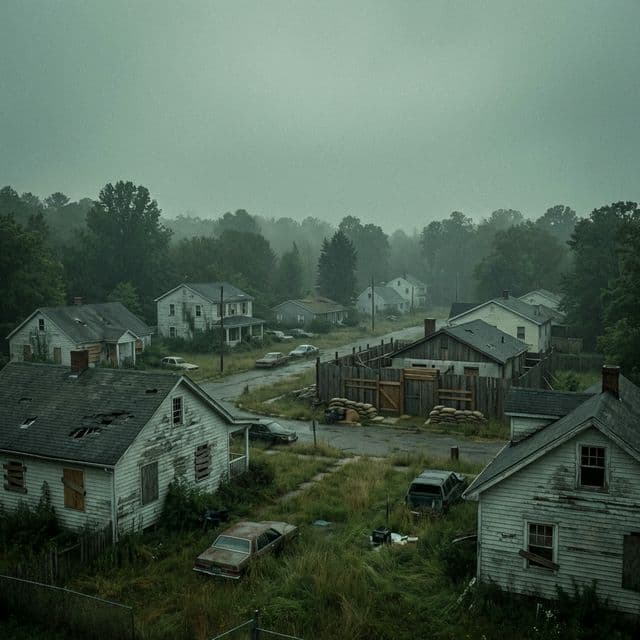
從單人生存到 64 人社區伺服器,GameCP 為您提供完全掌控的管理工具。
通過 SteamCMD 在幾分鐘內啟動一台 Project Zomboid 伺服器。預設配置自動加載,您的伺服器首次啟動即正常運行。
通過可視化編輯器調整僵屍數量、戰利品稀有度、白晝長度、感染規則和公用設施關閉時間。完全控制 servertest.ini 和 SandboxVars。
直接在面板中瀏覽和安裝 Steam Workshop 模組。搜索數千個模組,一鍵安裝,GameCP 處理其餘的。
具備可配置保留功能的自動備份系統。短期和長期備份保護您的世界免受破壞和意外刪除。
實時過濾的控制台輸出。監控玩家連接、僵屍事件和管理員命令,清晰且降噪處理的日志。
啟動時自動進行 SteamCMD 更新,保持伺服器在最新的 PZ 版本。包括對測試分支的支持。
核心永久死亡、合作基地建設或 PvP 掠奪——自定義您的末日規則。
完整的永久死亡、感染機制、僵屍速度和力量調整。終極生存沙盒。
面向好友的 PvE 籍庫伺服器。一起建造要塞、耕種,並對抗大軍。
玩家間的戰鬥,具有可配置的傷害倍數和反作弊保護。
Project Zomboid 伺服器隨著世界的發展而變得更加繁重。GameCP 提供了管理工具,讓您的末日世界運行正常。
預配置的 JVM,配備 ZGC 垃圾回收和 8GB 堆。即使在密集僵屍範圍內也能保持流暢的遊戲體驗。
兩個配置文件具有 60 多種可調的設置。僵屍行為、戰利品表、白晝長度、感染——均可在面板中編輯。
每個伺服器都運行在其專有的 Docker 容器中,具有專屬資源。您的世界,完全隔離。
將 GameCP 安裝在任何 Linux 伺服器上——專用伺服器、VPS 或雲實例。完全控制,無廠商鎖定。
Pre-configured server templates with optimized resource profiles. One-click deploy with recommended settings for the best experience.
Use our free tools to configure your Project Zomboid server. No account required.
Back in 2004, nobody was automating game server management. I built GameCP to fix that, and it became the go-to panel for thousands of server admins.
Fast forward to today — too many stale panels stuck in 2012. I rebuilt GameCP from the ground up as a next-generation platform with the tools server admins actually need: real-time metrics, automated deployments, and unlimited servers per node.
No per-slot pricing. No locked-down configs. Just a clean, modern interface and the freedom to run your servers your way.
"If you're tired of clunky panels from a decade ago, this is the upgrade you've been waiting for."
— Will, Founder of GameCP (Est. 2004)

